Roblox PC
Play Roblox on PC to explore endless worlds, create games, and join millions of players in exciting adventures with smooth performance and stunning graphics.
Roblox on PC is a dynamic online platform that combines gaming, creativity, and community in one massive virtual universe. Unlike traditional games, Roblox allows players not only to play but also to create and share their own experiences. From action-packed adventures and simulation games to social hangouts and obstacle courses, the platform hosts millions of user-generated worlds. This blend of entertainment and creation gives players endless opportunities to explore, experiment, and express themselves in a constantly evolving ecosystem that thrives on imagination and interaction.
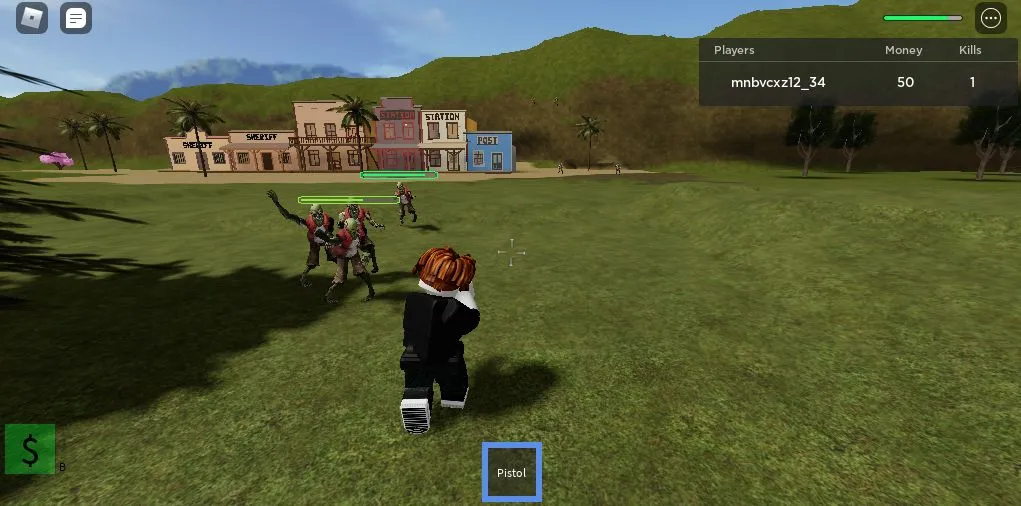
The PC version of Roblox offers enhanced performance, sharper graphics, and precise controls, making it the best way to experience the platform’s limitless potential. Players can easily browse and join thousands of games, customize their avatars, and connect with friends around the world. The improved visual quality, smoother frame rates, and adjustable settings give PC users a more immersive and responsive experience compared to mobile or console versions. Whether you’re battling zombies, running a business, or exploring virtual cities, every game feels more fluid and engaging on PC.
Beyond playing games, Roblox on PC empowers users to become creators through its powerful development tool, Roblox Studio. This tool allows anyone even beginners to design, code, and publish their own games using the Lua scripting language. Players can build entire worlds, create interactive gameplay systems, and share them instantly with millions of users. Combined with an active community and regular updates, Roblox on PC is not just a game it’s a creative platform where imagination becomes reality and players can shape their own virtual worlds.
Gameplay Overview
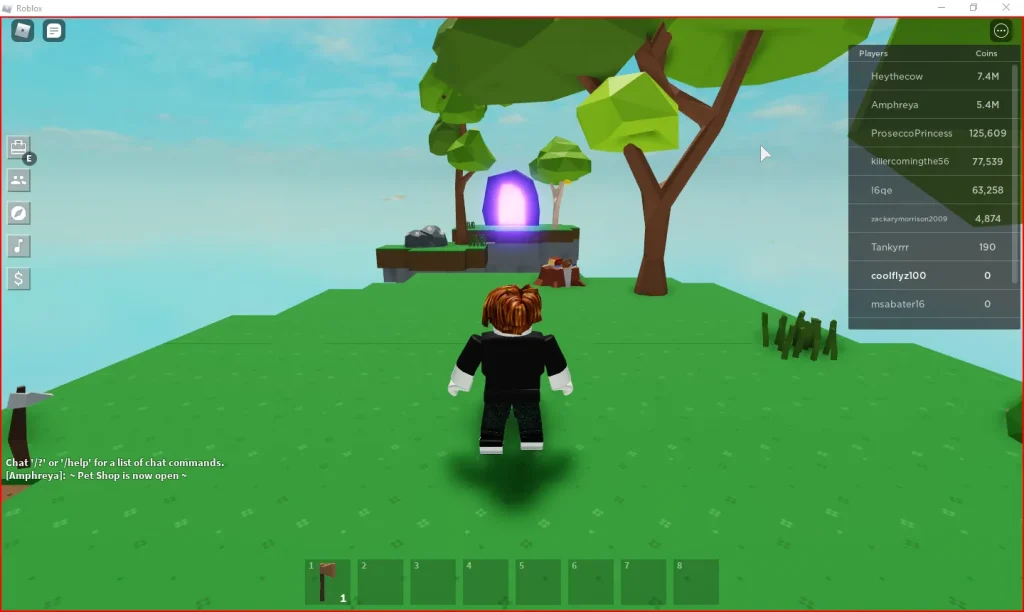
At its core, Roblox PC is more than just a game it’s a platform for infinite creativity. Players can choose from millions of community-made games (called “experiences”) across genres like adventure, simulation, racing, role-playing, and tycoon modes. You can even use Roblox Studio, the built-in development tool, to create your own worlds using Lua scripting and share them with millions of players.
The beauty of Roblox on PC lies in its versatility. One moment you might be solving puzzles in a mysterious island, and the next, you could be running your virtual restaurant or joining a high-speed car chase. Each game brings new challenges, stories, and interactive gameplay experiences all seamlessly integrated into one massive ecosystem.
Key Features
1. Massive Library of User-Created Games
Roblox hosts millions of unique games across genres like adventure, role-playing, simulation, and action all created by the community. Players can instantly jump into any world, from obstacle courses to business tycoons and open-world adventures. The PC platform’s seamless navigation and faster loading times make browsing and playing user-generated content smooth and enjoyable. This endless library ensures that no two play sessions ever feel the same.
2. Roblox Studio – Create Your Own Games
One of Roblox’s standout features is Roblox Studio, a powerful tool that allows anyone to design, script, and publish their own games. Using the Lua programming language, creators can bring their ideas to life with custom mechanics, characters, and environments. On PC, the interface is more intuitive and responsive, giving players full access to editing tools and high-end creation features. This makes PC the ultimate platform for aspiring developers and game designers.
3. Cross-Platform Multiplayer Experience
Roblox allows PC players to connect and play with friends on consoles, mobile devices, and tablets. This cross-platform support creates a massive, unified player base where anyone can join from anywhere. On PC, robust hardware and precise controls ensure smoother gameplay and faster response times, enhancing competitive and cooperative experiences alike. It’s a perfect blend of accessibility and connectivity that unites millions of players globally.
4. Customizable Avatars and Items
Players can fully personalize their avatars with clothing, accessories, animations, and gear from the in-game catalog. The PC version offers detailed customization options, better item previews, and faster rendering of 3D models. By earning or purchasing Robux (the in-game currency), players can unlock exclusive outfits and cosmetic items. This deep customization system allows every player to express their unique identity in the Roblox universe.
5. Enhanced Graphics and Performance on PC
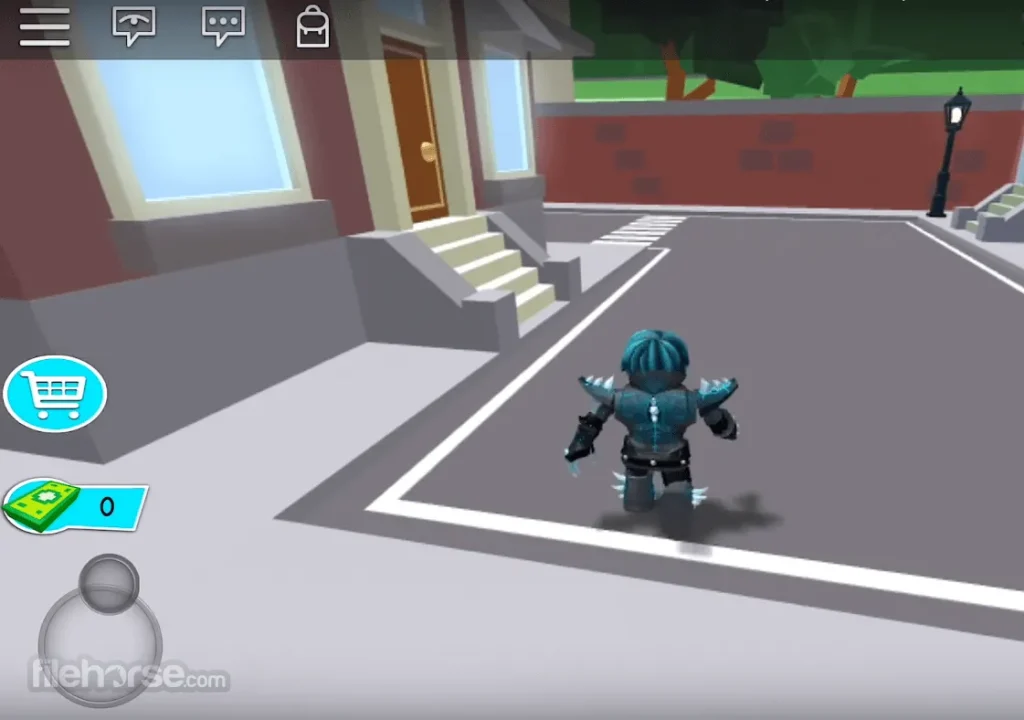
The PC version of Roblox offers higher resolutions, faster frame rates, and improved visual effects compared to mobile or console versions. Players can adjust graphics settings for optimal performance, from low-end systems to high-end gaming rigs. The smoother animations, dynamic lighting, and detailed textures enhance immersion across all types of games. This technical flexibility ensures that Roblox runs beautifully on a wide range of hardware.
6. Social Interaction and Community Features
Roblox isn’t just a gaming platform it’s a vibrant social hub. Players can chat, join groups, host private servers, and collaborate on creative projects. On PC, the built-in text and voice chat options are more accessible and responsive, making teamwork and communication effortless. The community-driven nature of Roblox encourages creativity, friendship, and shared experiences in a safe, moderated environment.
7. Regular Updates and Developer Events
Roblox is continuously evolving with frequent updates, seasonal events, and developer competitions that introduce new features and content. The PC version benefits from faster patch installations and earlier access to beta features. Developers and players alike enjoy special events such as Roblox Developer Conferences and in-game collaborations. These updates keep the platform dynamic and exciting, ensuring that there’s always something new to explore or create.
Why Play Roblox on PC?
Playing Roblox on PC gives you the ultimate gaming advantage. With a larger screen, sharper visuals, and faster performance, every world you explore feels more alive and immersive. The keyboard and mouse controls allow precise movement, building, and combat perfect for competitive or creative gameplay. Whether you’re crafting your dream game or exploring one made by another player, the PC setup makes every interaction seamless and enjoyable.
Another huge benefit of Roblox PC is the stability it offers. You don’t have to worry about battery drain, lag, or app crashes that often occur on mobile devices. Plus, your progress, Robux, and avatar customizations sync automatically across platforms meaning you can switch between PC, mobile, or console without losing anything. For gamers who value smooth performance and total control, Roblox on computer is simply the best way to play.
How to Download Roblox on PC
Here is a step by step guide to download Roblox on PC;
- Find the button: Scroll to the “Download Roblox for PC” button on this page.
- Start the safe download: Click the button to begin the safe download from this page. When prompted, choose Save (not Open) and pick a familiar folder (e.g., Downloads).
- Locate the file: When the download finishes, open your Downloads folder and find the .zip (or .rar) archive.
- Extract the game: Right-click the archive → Extract All… (or use 7-Zip/WinRAR) → choose a destination folder.
- Open the folder: Go to the extracted folder and look for Roblox.exe.
- Launch the game: Double-click the .exe to start. If Windows SmartScreen appears, select More info → Run anyway (only if you downloaded from the button on this page).
- Set up controls & video: In the Options/Settings menu, choose your resolution/fullscreen, adjust audio latency, and confirm keyboard bindings (← → ↑ ↓).
- Create a shortcut (optional): Right-click Roblox.exe → Send to → Desktop (create shortcut) for quick access.
- Play & enjoy: Start Story Mode or Free Play, and you’re good to go!
How to Play Roblox on PC
To play Roblox on PC, start by visiting the official Roblox website and creating a free account. Once registered, download and install the Roblox Player, which allows you to join and play millions of user-created games. After installation, simply log in and browse through the vast game library categorized by genre, popularity, or featured experiences. When you find a game you want to play, click “Play,” and it will automatically launch through the Roblox Player. You can also customize your avatar, adjust settings, and explore the in-game store directly from your PC.
Once in the game, use your keyboard and mouse for smooth and precise control perfect for platforming, building, and competitive play. Roblox supports both single-player and multiplayer experiences, letting you play solo or join friends across different worlds. You can chat, collaborate, or even build your own games using Roblox Studio, the platform’s powerful creation tool. With regular updates, user-generated content, and endless creative possibilities, playing Roblox on PC offers the best combination of performance, customization, and community-driven fun.
System Requirements for Roblox PC
Minimum Requirements:
- OS: Windows 10 or newer / macOS 10.13+
- Processor: Intel Core i3 or equivalent
- RAM: 4 GB
- Graphics: Integrated GPU with DirectX 10 support
- Storage: 1 GB of free space
- Internet: Stable broadband connection
Recommended Requirements:
- OS: Windows 11 / macOS Ventura or higher
- Processor: Intel Core i5 / AMD Ryzen 5
- RAM: 8 GB or higher
- Graphics: Dedicated GPU (NVIDIA GTX 960 or better)
- Storage: SSD for faster load times
- Internet: High-speed connection for multiplayer performance
FAQs
Is Roblox PC better than the mobile version?
Yes, the Roblox PC version provides smoother gameplay, better graphics, and faster performance compared to mobile. With a keyboard and mouse, you have more control during complex games, and you won’t face the usual mobile limitations like small screens or battery drain.
Can I use my existing Roblox account on PC?
Absolutely! When you play Roblox on PC, you can log in using your existing Roblox account. All your progress, Robux balance, and avatar customization are automatically synced across platforms, including mobile and Xbox.
How often does Roblox update on PC?
Roblox updates frequently to enhance performance, fix bugs, and introduce new features. The PC version of Roblox updates automatically, ensuring you always enjoy the latest improvements without manually downloading patches.
Can I play Roblox PC offline?
No, Roblox requires an active internet connection to function. Since it’s a multiplayer and community-driven platform, most games rely on online servers to load experiences, player data, and world assets.
How do I earn Robux on Roblox PC?
Players can earn Robux, the in-game currency, by selling items, creating games, or through a Roblox Premium subscription. You can then use Robux to purchase cosmetic upgrades, passes, or exclusive in-game perks.
Are there any parental controls in Roblox PC?
Yes, Roblox includes comprehensive parental control settings. Parents can set age-appropriate restrictions, manage chat access, and monitor activity. The platform also uses AI-based moderation to keep the environment safe for younger players.
Can I stream Roblox PC gameplay on platforms like YouTube or Twitch?
Definitely! Many popular streamers broadcast Roblox PC gameplay thanks to its rich variety of games and creative content. With screen capture tools like OBS or NVIDIA ShadowPlay, you can stream directly and share your Roblox adventures with fans worldwide.
Alternatives to Roblox on PC
If you enjoy creative and multiplayer sandbox games, here are some alternatives to Roblox PC worth exploring:
1. Minecraft
A legendary sandbox game by Mojang where you can build, craft, and explore infinite blocky worlds. It shares Roblox’s spirit of creativity and multiplayer fun.
2. Fortnite
Beyond battle royale, Fortnite’s Creative Mode lets players build maps, design game modes, and play custom worlds — similar to Roblox experiences.
3. Core Games
Built on Unreal Engine, Core Games offers a next-gen experience with stunning visuals and user-generated games, just like Roblox but with more realistic graphics.
4. Garry’s Mod
A physics-based sandbox game where you can manipulate objects, build contraptions, and play custom mods. It’s a cult favorite among creative gamers.
5. Terraria
For fans of adventure and crafting, Terraria delivers a rich 2D sandbox experience with exploration, building, and combat — perfect for Roblox enthusiasts looking for variety.
Conclusion
In a gaming world where creativity and community define success, Roblox PC stands as the ultimate destination for gamers and creators alike. From exploring user-generated adventures to designing your own interactive worlds, Roblox empowers every player to unleash their imagination. Its smooth PC performance, customization options, and cross-platform access make it a must-have experience for players of all ages. So, take the next step — download Roblox for PC today and discover why millions of gamers around the world can’t get enough of this ever-evolving virtual universe.